Eighty clicks. No calls. No quote requests. That’s when it gets tempting to put another few thousand rupees into Google Ads and see what happens. Hold off for a minute. Open the page from your ad on your phone and try to book the service yourself.
1. Test your enquiry form and conversion tracking
Send yourself a quote request. If the page says it went through and your inbox is still empty, check spam and the CRM. Ask the person who usually gets those emails to check too. It could be going to an old address.
- Send a test enquiry and make sure someone on your team receives it.
- Check that Google Ads counts a completed form. A tap on the submit button can happen even when the form fails.
- Tap the call and WhatsApp buttons on your phone. Check that both go to the right number.
Got the enquiry? Good. If Google Ads still shows zero once the report has had time to catch up, check the tracking before you touch the campaign.
2. Read the Google Ads Search terms report
Say you fit solar panels on factories. Someone searches for solar installer jobs and clicks your ad. There goes part of your budget on someone looking for work. A search for factory solar panel costs is a different story. That person might be pricing up a job.
Open the Search terms report and sort by cost. Start with the searches that used the most money. If job searches keep showing up and you only want sales enquiries, consider adding a negative keyword for that pattern. Read the full searches before excluding anything. One word can mean different things in different searches. Google Ads Help on the Search terms report
3. Check your Google Ads location targeting
If you repair ACs in Mohali and Chandigarh, a call from three hours away probably won’t turn into a job. Look at where the clicks and enquiries are coming from. If you keep hearing from people outside your service area, look at the campaign’s location settings and check whether Presence suits the way you work.
Think about how people buy from you before narrowing the area. A family looking for a home in Mohali may be searching from another city. For a local emergency repair, that same distance can make the enquiry hard to serve.
4. Make sure your landing page matches the ad
If the ad says same day AC repair in Mohali, put that on the page. Someone with a broken AC shouldn’t have to scroll past fridge repairs and washing machine servicing to see if you can come out today.
Put the number or callback form right below the service details. Only call back during business hours? Say that next to the form.
5. Make your mobile enquiry form easier to use
Try sending a callback request from your own phone. Type your number the way you normally would. If the form refuses it, can you tell what went wrong? A little red box with no explanation is enough to make someone give up.
- Ask for a name, number and a short note about the job. You can get the full address when you call.
- Keep the number near the top so someone with a broken AC can call straight away.
- Use a plain confirmation like We got your request and will call you by the end of the next working day. Only promise a time your team can manage.
While you’re there, pull up yesterday’s missed calls. Did anybody ring those people back? If that job belongs to everyone, it’s easy for it to slip.
6. Check what Google Ads counts as a lead
Say the report shows twelve conversions. You can find three quote requests. Where did the other nine come from? Open the campaign goals and see if a visit to the contact page is being counted. Plenty of people can open that page and leave without getting in touch.
If Google Ads bids based on conversions, check which ones it’s using. For a campaign that’s supposed to bring in quotes, a form someone actually sent is a better starting point than a page visit. Have whoever calls back jot down which jobs you could take.
7. Give ad clicks time to turn into leads
If the ads went live yesterday, you’ve got one day of data. Some people ring straight away. Others ask around, get another price and come back later. Look at how long your customers usually take to get in touch before you judge the latest clicks.
Fix the thing you can point to and write down when you changed it. If you change the keywords, redo the page and double the budget on Tuesday, good luck working out which one helped.
What 100 clicks can look like in two different weeks
Illustrative data. Each week received 100 ad clicks. Recorded leads rose from zero to four.
Both weeks had 100 clicks. The report went from zero leads to four. Now check the inbox. If there were four enquiries in both weeks, you’ve fixed the count. If there really were none in week one, look at what else changed before giving the ads credit.
Getting clicks is only half the job. If those visitors aren’t turning into enquiries, something needs fixing. It could be your targeting, keywords, ad copy, or landing page. At Top Rank Master, our PPC management services focus on bringing the right traffic to your website and turning more of those clicks into actual leads.
Need a second look at your campaign?
Send Top Rank Master your landing page and a recent Google Ads summary. We can look at the searches you paid for and what happens after someone clicks. Contact Top Rank Master
Why do I have Google Ads clicks but no conversions?
Send a test form and try the phone number first. If both work, look at the searches you paid the most for. Then open the page those people landed on and see if it gives them what they came for.
Why do I have Google Ads clicks but no conversions?
Send a test form and try the phone number first. If both work, look at the searches you paid the most for. Then open the page those people landed on and see if it gives them what they came for.
How many clicks should I get before I expect a lead?
There’s no set number. If a similar campaign usually gets three leads from 100 clicks, ten clicks without a call is hardly a surprise. If relevant clicks keep coming in and the inbox stays empty, start digging.
Should I pause Google Ads if I am getting no leads?
Pause the affected ads if the form is broken or the phone number is wrong. Get that sorted first. If the page works and the ads only just went live, check who’s clicking and give those recent visits a bit of time.
When should I increase my Google Ads budget?
Work out what you pay for an enquiry your team can actually use, then see how many of those enquiries turn into jobs. If the phone rings all day and nobody books, listen to a few calls before you spend more.
Add Your Heading Text Here
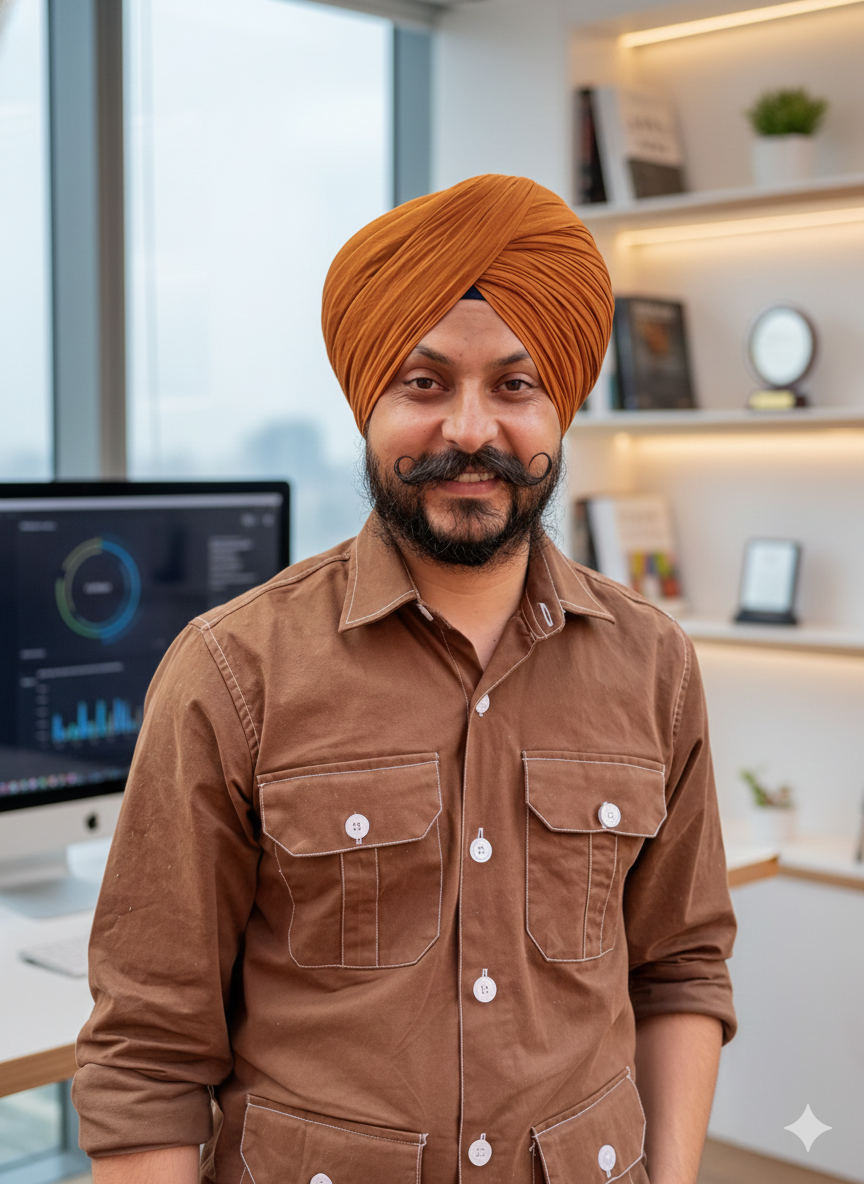
I am Harjinder Singh, Founder & Coach at Top Rank Master with 11+ years of digital marketing experience. I have worked with leading agencies and helped scale multiple brands through SEO, PPC, and performance marketing.
I run Top Rank Master, where I train students and professionals through practical, industry-focused coaching with 100% placement support. I am passionate about helping college students start strong careers and guiding agencies to achieve measurable growth.
Let’s connect if you want to learn digital marketing or grow your business.